
The Comics Plus App is available for iOS and Android.
Use the information below to promote!


Where Can I download the Comics Plus App?
How do I find titles on the app?
How do I read titles on the app?
What does the App Logo look like?
Does Comics Plus have an App?
Yes! We have an iOS and an Android app.
Where can I download the Comics Plus app?
You can download the Comics Plus app on the Apple App Store or Google Play. Just search for Comics Plus, or use the links below:


Our website is mobile friendly, so you can access your Comics Plus account on your phone or tablet through using a web browser as well.
How do I log into the app?
1. Download the app from one of the stores listed above
2. Search for your school or library
3. Follow the on screen prompts
Once you are logged into the app, you will not need to log in again until you log out.
How do I find titles on the app?
You can discover titles in many ways!
Use the Search Option to find specific titles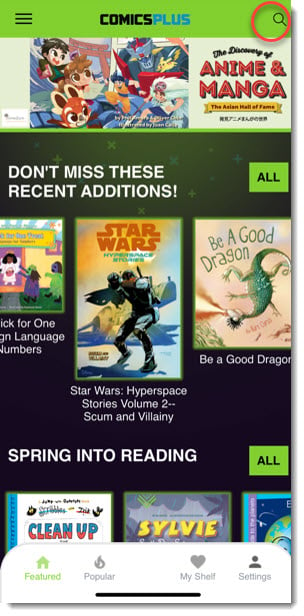
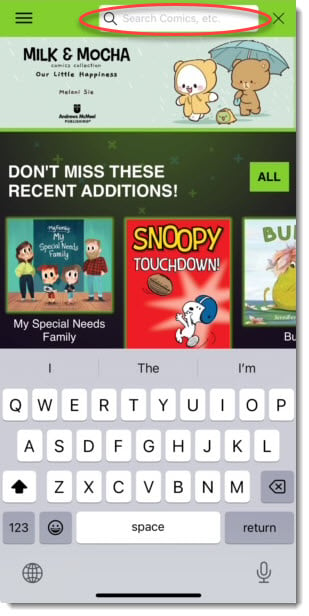
Scroll through lists on the Featured Page and Scroll down the featured page to see additional lists
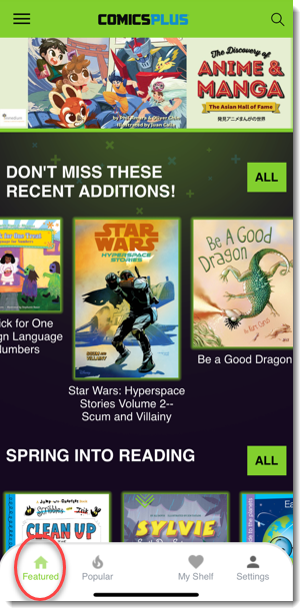
Navigate to the Popular, Just Added, Categories and/or Publisher sections
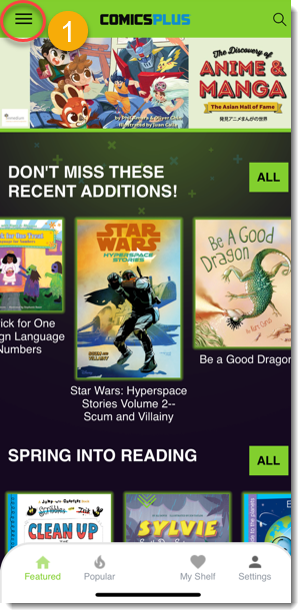
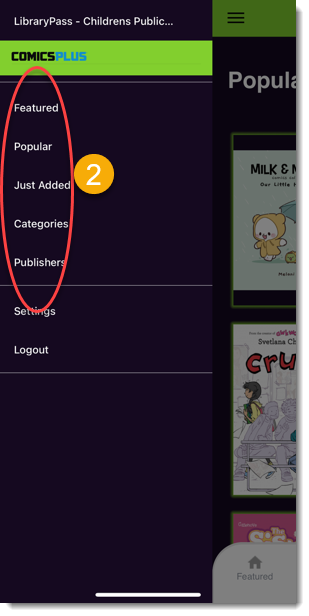
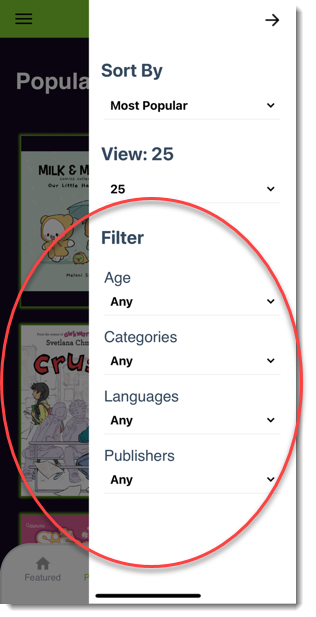
While in a section use the filtering options to further narrow down your search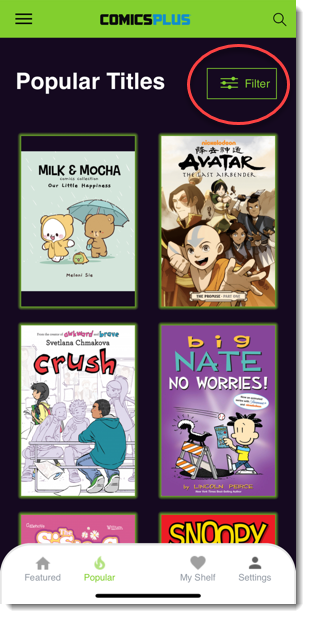
How do I read titles on the app?
Click on a title you want to read and select "Read Now" to start reading!

Can I read titles offline?
Yes! The Comics Plus App allows for downloading titles to read offline.
What does the App Logo look like?
Comics Plus App
Click the image below to download the logo for the Comics Plus App. 
Old App Logo
The Comics Plus app was formerly called "LibraryPass" with the below logo.