

Learn how to add and remove books from your My Shelf page using either a web browser or the mobile app.
Adding Titles to My Shelf
When you start reading a title, it automatically appears on your shelf. If you want to save a title to read later without opening it, follow these steps based on your device:
-
On the Web: Click the plus icon [+] on the title's details page or hover card.
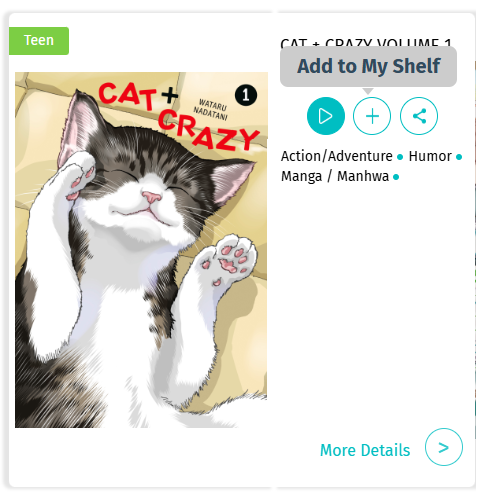
-
On the App: Tap the Add to My Shelf button on the title's details page.
Removing Titles from My Shelf
You can clean up your shelf at any time by removing titles you have finished or no longer need:
-
On the Web: Click the minus icon [-] on the title’s details page or hover card.
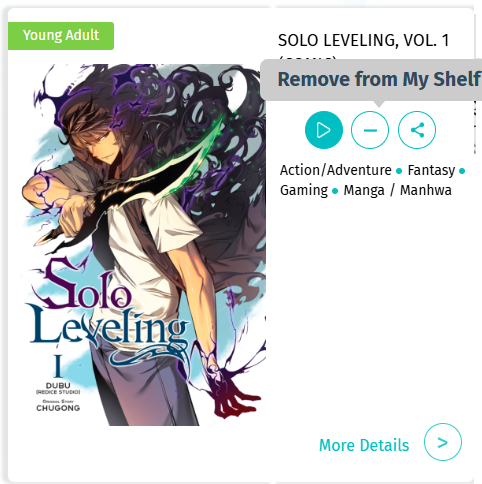
-
On the App: Tap the Remove from Shelf button on the title’s details page.