

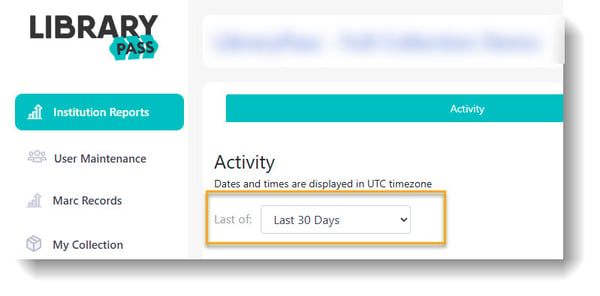
Once on your Comics Plus User Admin Portal, click on "Institution Reports".
On the "Activity" tab there is a drop-down menu. This menu allows you to select the time range you would like to view (i.e. last 30 days, this year, last year, custom range, etc.)
Each column tells you different information about each checkout made by your readers.
-
Date: The date and time of the checkout
-
Institution: The library/school the checkout was made from (helpful if you have multiple libraries)
-
Title: The name of the title checked out
-
Writer(s): The Writer(s) listed on the title
-
Artist(s): The Artist(s) listed on the title
-
Interests: The Interests listed on the title
-
Age Level: Age rating for the checkout (i.e. 5+, 9+ etc.)
-
User: The anonymous username of the account that made the checkout
.jpg?width=600&height=97&name=2025-08-20_14-55-11%20(1).jpg)